
The pixel density of Retina displays is so high that your eyes can't detect individual pixels at a normal viewing distance. This gives content incredible detail and dramatically improves your viewing experience.
Mac computers that have a Retina display
Since the iPhone 4 (326 pixels per inch) in 2010, every one of Apple's products has slowly migrated to Retina Displays, including the iPad (264 ppi), MacBook Pro and iMac (≈220 ppi),. Enjoy worry-free unhackable online life with real-time malware threat elimination within unbreakable Web defense. 30 best free Mac programs Creative apps, system tools and more There's something exciting about buying a new piece of software, unwrapping the packaging and slipping the disc into your Mac ready.
If an app looks different than you expect on your Retina display or high-resolution external display, try opening the app in low-resolution mode: Quit the app. Open the Applications folder. Click the app once to select it, then choose Get Info from the File menu. Waiting on my order for a new MacBook Air M1 (8gb/256gb). I’m coming from a 2016 12” MacBook (8gb/256gb), which suited me just fine until my battery started to fail and I didn’t want to spend $200 to replace the battery on a 5 year old machine. Has anyone else jumped to a base model M1 air from.
MacBook Pro models:
- 16-inch MacBook Pro models introduced in 2019. Native resolution: 3072 x 1920 at 226 pixels per inch. Support for millions of colors.
- 15-inch MacBook Pro models introduced in 2012 or later, except the MacBook Pro (15-inch, Mid 2012). Native resolution: 2880 x 1800 at 220 pixels per inch. Support for millions of colors.
- 13-inch MacBook Pro models introduced in late 2012 or later. Native resolution: 2560 x 1600 at 227 pixels per inch. Support for millions of colors.

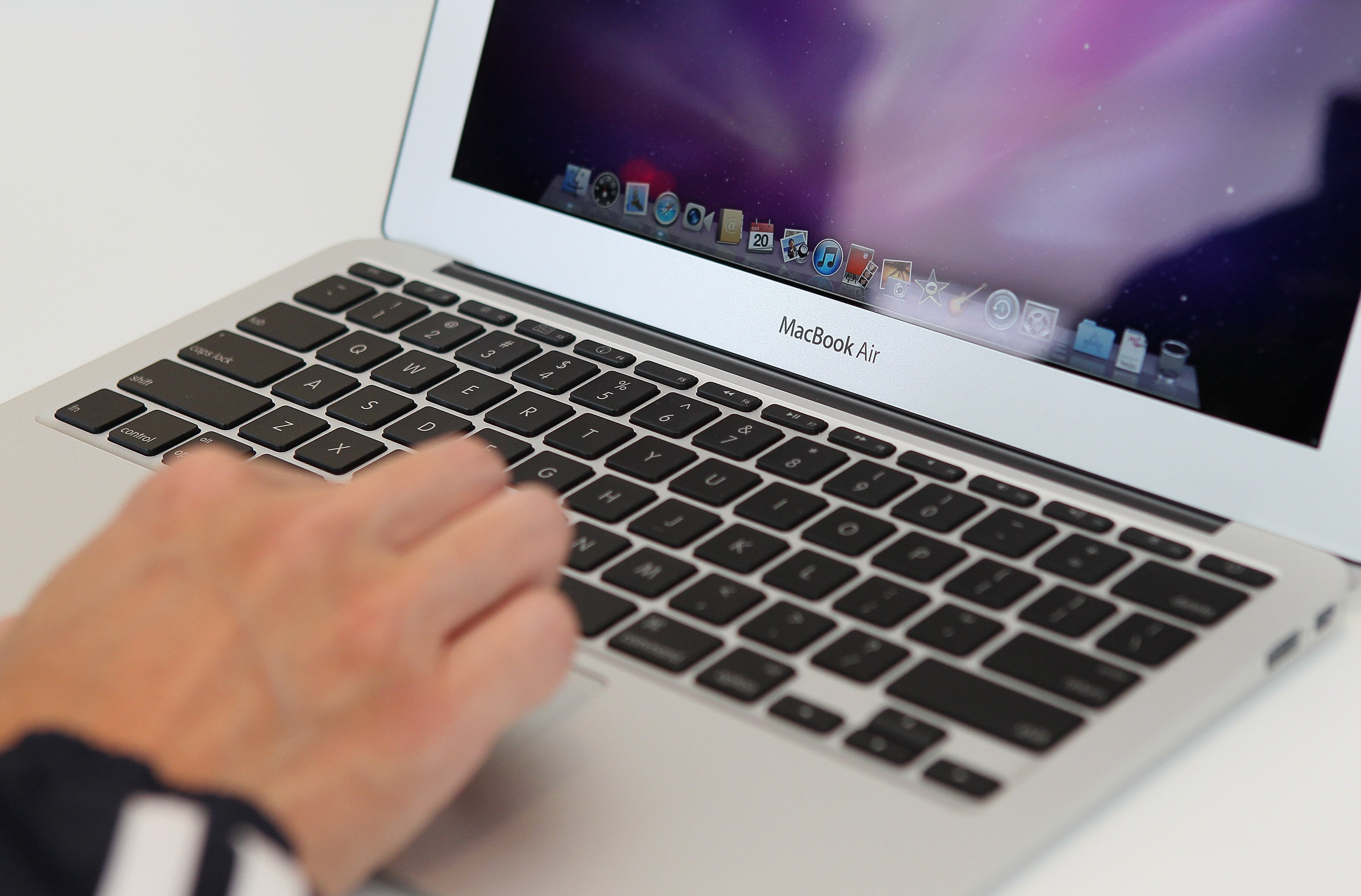
MacBook Air models introduced in 2018 or later. Native resolution: 2560 x 1600 at 227 pixels per inch. Support for millions of colors.
MacBook models introduced in 2015 or later. Native resolution: 2304 x 1440 at 226 pixels per inch. Support for millions of colors.
iMac models:
- 27-inch iMac models introduced in 2014 or later. Native resolution: 5120 x 2880. Models introduced in 2014 and 2015 support millions of colors, and models introduced in 2017 or later support one billion colors.
- 21.5-inch iMac models introduced in 2015 or later, except the iMac (21.5-inch, 2017) and iMac (21.5-inch, Late 2015). Native resolution: 4096 x 2304. The Retina model introduced in 2015 supports millions of colors, and models introduced in 2017 or later support one billion colors.
All iMac Pro models. Native resolution: 5120 x 2880. Support for one billion colors.
Changing the resolution of your display
Your Mac automatically chooses a default resolution that is optimal for your display. To change the resolution:
- Choose Apple menu > System Preferences.
- Click Displays.
- Select Scaled, then select any of the four or five scaled resolutions, depending on your Mac model. With scaled resolutions, text and objects can appear larger and more visible, or smaller to provide more space for windows and apps.
If you're also using an external display
If you're using an external display to extend your desktop, you can choose a preferred resolution for each display. To see additional resolutions for the external display, press and hold the Option key while selecting the Scaled button.
If you're using an external display to mirror your built-in display, your Mac optimizes for whichever display is selected in the ”Optimize for” pop-up menu. Allow your Mac to choose the best resolution for that display, or select Scaled and choose a different resolution.
Best Free Apps For Macbook Pro
When mirroring your displays, you can optimize for the external display instead of your built-in display
Using apps with a Retina display
Best Free Apps For Mac Pro
If an app looks different than you expect on your Retina display or high-resolution external display, try opening the app in low-resolution mode:
- Quit the app.
- Open the Applications folder.
- Click the app once to select it, then choose Get Info from the File menu.
- From the Get Info window that opens, select the checkbox labeled ”Open in Low Resolution.”
- Close the Get Info window and open the app again.
Best Free Apps For Mac Pro Retina Upgrade
Some apps that work best in low-resolution mode or that work only in low-resolution mode will have this mode already turned on, and in that case you might not be able to turn it off. The app developer might offer an update that includes support for the Retina display.
Using Boot Camp and Windows with a Retina display
- Boot Camp supports resolutions up to 3840 x 2160.
- When your Mac is using the Apple-supplied Windows Support Software, Windows starts up with the maximum dpi (pixels) it supports, which is 144 dpi, or 150-percent magnification. As a result, items on the display appear small, with a lot of space. You can use the Windows Display control panel item to adjust this setting in Windows.